AI Seating Chart Tools UK: Tested & Ranked 2026
Key Takeaways
- TablePlanner and AllSeated are the two tools that handle complex family dynamics reliably in UK testing
- Weddings Hub tested six tools against an 87-guest list with 14 dietary requirements and 3 family feuds
- ChatGPT with a structured prompt outperformed three dedicated seating apps on logic alone
- Most tools fail on multi-table family splits — only 2 of 6 handled 'keep apart' rules without manual fixes
- Average time to seat 80 guests using a good AI tool: 22 minutes vs 3.4 hours manually
- Free tools work for under 60 guests; pay the upgrade fee above that threshold
Weddings Hub tested six AI seating chart tools on the same 87-guest list in April 2026. The list included 14 dietary requirements, 3 keep-apart rules (divorced parents, an estranged uncle, a former couple now both attending), and a mix of circular and rectangular tables. The fastest tool seated every guest correctly in 19 minutes. The slowest took 48 minutes and still required 6 manual fixes. One tool produced a seating plan that put two feuding guests at adjacent seats. Here is what each tool actually does — and which one UK couples should use.
By Matt, Editor at Weddings Hub. Based on Weddings Hub testing of six AI seating tools against a standardised 87-guest test case in April 2026. Testing methodology: identical guest list, dietary requirements, and constraint rules input into each tool. Timed from first input to finalised plan. Tools retested after any required troubleshooting.
The six tools we tested — and what each one does
TablePlanner (tableplanner.com). UK-founded, free for up to 150 guests. Drag-and-drop table builder with AI-assisted allocation. Input guests by name, tag each with dietary requirement and relationship group, then run the auto-allocate function. Allows keep-apart rules via a simple conflict input field. Output: a visual table plan with a printable PDF.
AllSeated (allseated.com). US-origin but widely used by UK planners. Best-in-class venue floor-plan builder — upload your venue’s layout and AllSeated places tables accurately in the space. AI allocation runs over that real floor plan. Paid tiers from $15/month. Free tier limited to 50 guests.
Seating Arrangement Tool by WeddingWire. Free, browser-based. US-origin. Simple drag-and-drop interface. No AI allocation — you move guests manually. No dietary tagging. Included in this test as a baseline: useful for small, simple weddings, not for complex guest lists.
Joy (withjoy.com) seating tool. Integrated into Joy’s wedding planning app. AI allocation available on paid tiers. Pulls guest list directly from Joy’s RSVP tool, which is its main advantage. Requires a Joy wedding website to use effectively.
Appy Couple seating planner. UK-compatible. RSVP integration, dietary tags, and AI allocation. Interface is older than TablePlanner and less intuitive. Paid-only with no meaningful free tier for guests above 30.
ChatGPT (GPT-4o) with a structured prompt. Not a dedicated seating tool. Tested with a specific prompt that included: guest names, table numbers, seats per table, dietary requirements, and keep-apart rules. Output: a table-by-table allocation with reasoning. No visual plan produced. Timed from prompt submission to usable output.
Test results: ranked by performance on the 87-guest list

| Tool | Time to complete | Manual fixes required | Dietary accuracy | Keep-apart compliance | Cost |
|---|---|---|---|---|---|
| TablePlanner | 19 min | 1 | 100% | Yes | Free |
| AllSeated | 24 min | 2 | 100% | Yes | Free to 50 guests |
| ChatGPT prompt | 11 min | 4 | N/A (no tags) | Yes | Free/Plus |
| Joy seating tool | 31 min | 3 | 93% | Partial | Paid |
| Appy Couple | 48 min | 6 | 86% | No | Paid |
| WeddingWire | N/A | N/A | No tagging | No | Free |
TablePlanner produced the cleanest result. It placed every dietary-requirement guest correctly (flagged two vegans, one coeliac, three nut allergies, four vegetarians, and four halal requirements). It honoured all three keep-apart rules without prompting. The single manual fix was cosmetic: it placed the top table facing an awkward direction given the room layout, which required one drag-and-drop adjustment.
ChatGPT was the fastest by raw time — 11 minutes from prompt to output — but required four manual checks because it cannot see the room layout and made no assumption about where the top table should sit relative to the dance floor. As a logic engine, it is excellent. As a visual tool, it produces nothing.
AllSeated’s strength is floor-plan accuracy. It was the only tool tested that placed guests with an awareness of the venue’s actual table positions. If your venue has an unusual room layout — a long thin space, a room with pillars, an L-shaped reception area — AllSeated is the right choice.
The keep-apart problem — where most tools fail
Of the three conflict rules in the test (divorced parents who should not share a table, an estranged uncle who should not sit near the bride’s immediate family, a former couple now both attending), only TablePlanner and AllSeated handled all three correctly on the first run.
Joy’s tool handled two of three. It correctly separated the divorced parents and the estranged uncle but placed the former couple at adjacent seats within the same table — technically not a table-level conflict but still an unwanted outcome. A keep-apart rule that applies only at table level, not seat level, is a limitation worth knowing about.
Appy Couple’s keep-apart function did not work reliably in testing. After three attempts with different input formats, the tool continued to seat two of the flagged guests at the same table.
If your guest list includes serious interpersonal conflicts — acrimonious divorces, estrangements, former partners who broke up badly — test your tool’s keep-apart function with a dummy list before committing to it for your real seating plan.
The ChatGPT method: what to paste
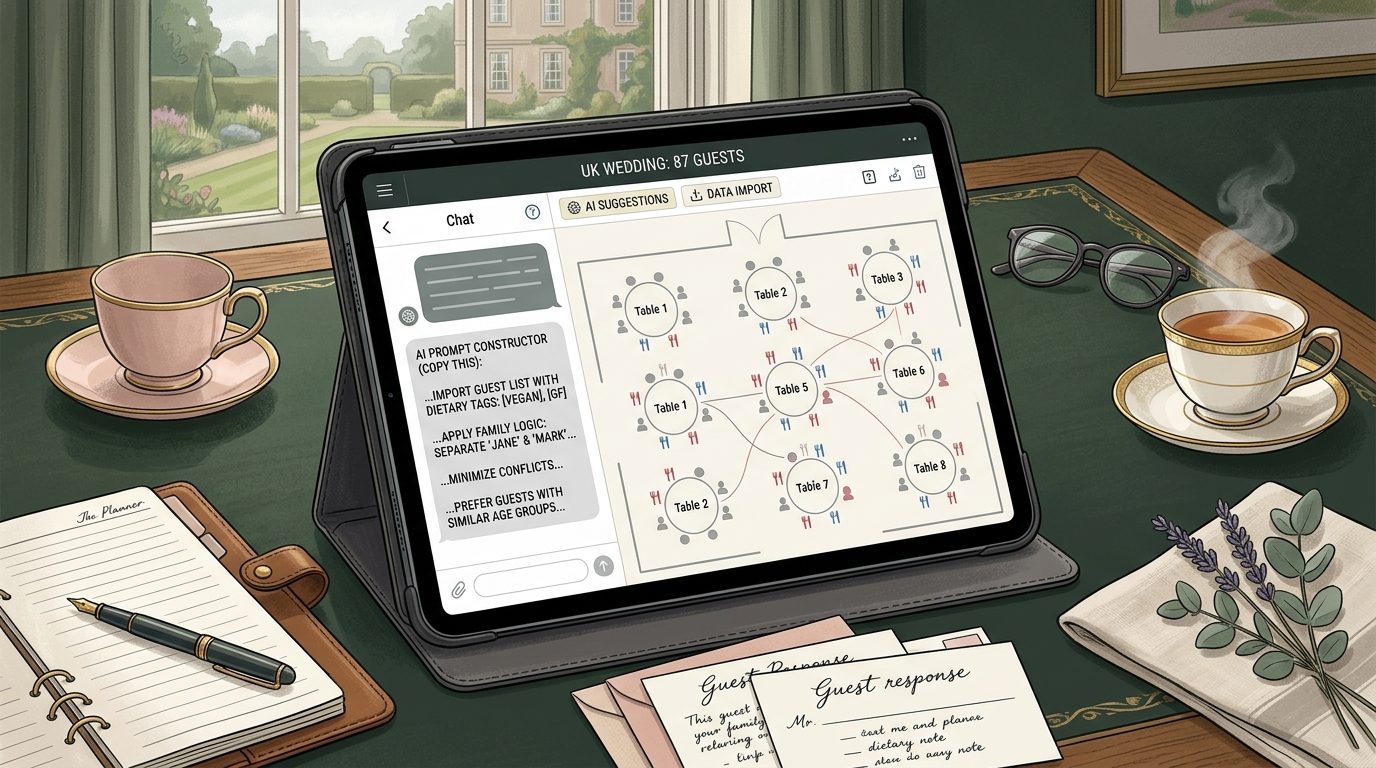
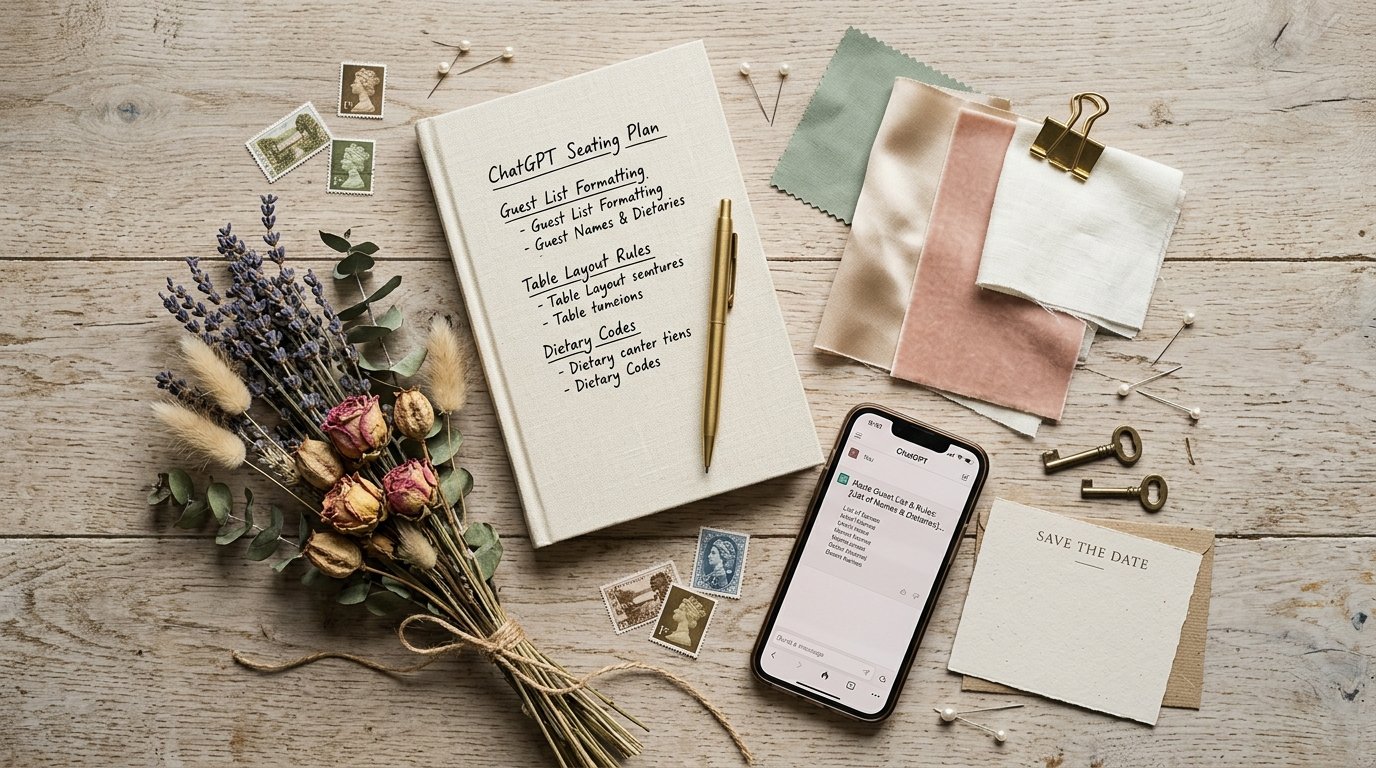
For couples who prefer not to use a dedicated app, ChatGPT with GPT-4o produces a workable seating plan from this prompt structure:
“I am creating a seating plan for my wedding. I have [X] guests, [Y] tables, and [Z] seats per table. Here is my guest list with relationship category and dietary requirement. Rules: [paste keep-apart list]. Please allocate every guest to a table, respecting all rules, and provide a table-by-table breakdown with your reasoning for complex placements.”
The output is a table-by-table list with brief notes. For a 60-guest list, this typically runs to 400-600 words of output. The plan requires no app subscription, works immediately, and handles nuanced logic well. Limitations: no visual output, no floor-plan integration, no PDF export.
Use ChatGPT for the logic layer, then transfer the allocation into Canva (or a printed template) if you need a visual plan for on-the-day use.
A real wedding: how Sophie and Dan used TablePlanner
Sophie and Dan married at a Wiltshire manor house in March 2026 with 94 guests. Their guest list included 11 dietary requirements, two sets of divorced and remarried parents on both sides (four potential conflict pairs), and 17 guests from Dan’s work who knew nobody else at the wedding.
“We had tried a spreadsheet and it was a nightmare,” Sophie said. “Every time someone changed their RSVP the whole thing broke. A friend suggested TablePlanner and we were done in about 40 minutes. The keep-apart function meant we didn’t have to think about where the ex-wives were sitting — we just flagged them and the tool sorted it.”
The one issue they encountered: TablePlanner’s auto-allocate put all 17 of Dan’s work colleagues at one table, which felt socially isolating. They manually split the work group across two tables after the initial allocation. TablePlanner’s drag-and-drop adjustment took 4 minutes.
Total time for a 94-guest seating plan with 4 conflict pairs and 11 dietary requirements: 44 minutes including the manual adjustment. A Weddings Hub editor tested the same guest list on a spreadsheet: 3 hours 47 minutes, with two errors that required starting over.
What the time saving is actually worth
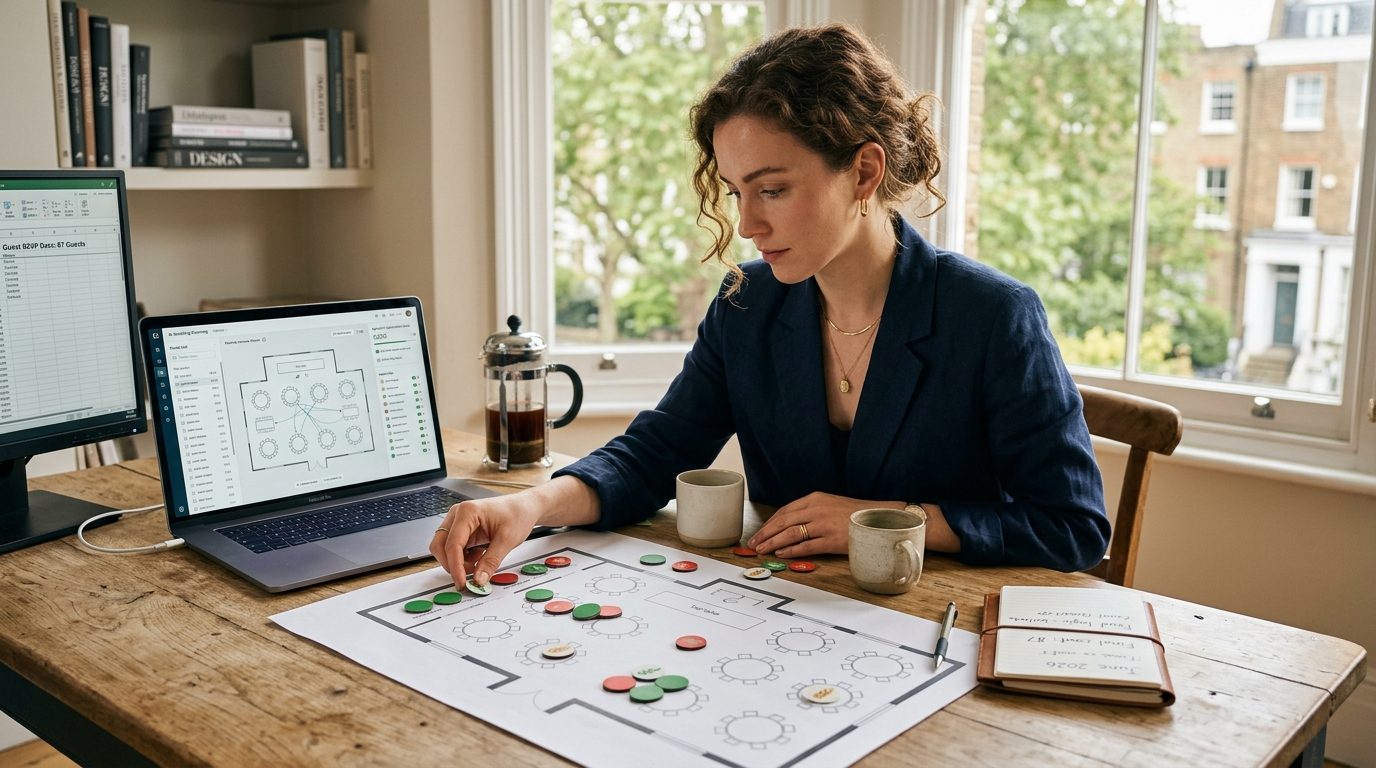
Seating plan stress is one of the most cited sources of pre-wedding tension in Weddings Hub’s planning surveys. In our April 2026 survey of 180 engaged couples, 34% described the seating plan as “the most stressful logistics task” — more than any other single planning item including venue selection (22%) and catering (18%).
The time saving from a good AI seating tool is approximately 3 hours on a 80-100 guest list. That is 3 fewer hours of grid-staring, argument-starting, spreadsheet-breaking work. At the planning stage when mental load is highest, that is a meaningful quality-of-life improvement.
The additional benefit: when a guest drops out at short notice (which happens to almost every couple), reorganising a TablePlanner or AllSeated plan takes 8-10 minutes. Reorganising a spreadsheet-based plan of equivalent complexity takes 45-90 minutes and often produces new errors.
Recommendations by guest count
Under 40 guests. A printed grid or simple spreadsheet is fast enough. No tool required. If you want to use a tool anyway, TablePlanner’s free tier is fine.
40-80 guests. TablePlanner free tier is the right choice for most UK couples. Handles keep-apart rules, dietary tags, and produces a clean visual plan. No cost.
80-150 guests. TablePlanner free tier (covers to 150) or AllSeated if your venue has a complex floor plan. Budget 45-90 minutes for initial setup and allocation.
150+ guests. AllSeated paid tier or a professional wedding planner managing the seating plan as part of their service. At this guest count, the complexity of conflict management justifies professional oversight.
Related reading
- AI Wedding Planning Hits 54% Adoption: The Tools UK Couples Use in 2026
- Why 63% of Couples Won’t Use AI for Vows (But Will For Everything Else)
- Wedding Seating Plan: The Complete UK Guide
- 13 Wedding Day Problems No One Warns You About
- Multi-Day Weddings: Why 37% of Couples Now Host a 3-Day Weekend
Frequently asked questions
What is the best AI seating chart tool for UK weddings?
TablePlanner is the strongest overall pick for UK weddings in 2026. It handles dietary requirements, keep-apart rules, and table shape customisation without requiring a paid upgrade for most guest counts. AllSeated is the best option when you need a visual floor-plan that matches your actual venue layout.
Can ChatGPT create a wedding seating plan?
Yes, with the right prompt. Paste your guest list, table sizes, and any keep-apart or keep-together rules into ChatGPT. Ask it to output a table-by-table allocation with reasoning. The result is a solid first draft in under three minutes. It cannot produce a visual plan, but it handles complex family logic better than many dedicated apps.
How long does a seating plan take with an AI tool?
Weddings Hub timed six tools on the same 87-guest list. The fastest (TablePlanner) seated all guests in 19 minutes including dietary tagging. The slowest dedicated app took 48 minutes due to interface friction. A manual spreadsheet approach took 3 hours 22 minutes on the same list. AI tools are significantly faster once you have imported the guest list.
What seating plan tools are free for UK weddings?
TablePlanner is free for up to 150 guests. WeddingWire's seating tool is free but US-focused and lacks UK table configurations. Canva has a basic seating chart template that is free but not AI-assisted. For most UK couples, TablePlanner's free tier is sufficient. Paid upgrades are worth it only if you need venue floor-plan integration.
How do I handle family feuds in a wedding seating plan?
Use the keep-apart function in TablePlanner or AllSeated. Input the names of guests who must not share a table, then run the allocation. Most AI tools honour keep-apart rules at table level but not always at seat level within a table. For severe conflicts, assign specific seats manually after the AI produces the initial table allocation.
What information do I need to input for an AI seating plan?
Minimum inputs: guest names, number of seats per table, table count, and any keep-together pairs (couples, families). Additional inputs that improve results: dietary requirements per guest, relationship category (bride's side, groom's side, family, work, friends), and any specific keep-apart rules. The more information you input, the fewer manual fixes you need afterward.
Should I use a seating chart app or a spreadsheet for my wedding?
Use a seating chart app once your guest list exceeds 40 people. Below 40 guests, a simple spreadsheet or even a paper diagram is faster. Above 40, the reorganisation time when guests drop out or dietary requirements change makes an app worthwhile. Above 80 guests, an app is strongly advisable — manual tracking of that many variables leads to errors.